3D Bounding Box
The 3D Bounding Box command is located in the ATR CustomTools command manager and you can also find the same command from the ATR CustomTools menu.
In the ATR CustomTools command manager, the command is called 3D Bounding Box and, in the ATR CustomTools menu, the same command is called Create 3D Bounding Box.
The 3D Bounding Box command is used to create a 3D bounding box feature called 3D Bounding Box CT to the selected model document.
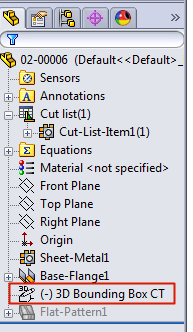
3D Bounding Box feature
When you create the 3D bounding box feature to the model by using the ATR CustomTools 3D Bounding Box command, ATR CustomTools also writes the 3D Bounding Box feature related custom properties to the SOLIDWORKS document properties as shown in the following example:
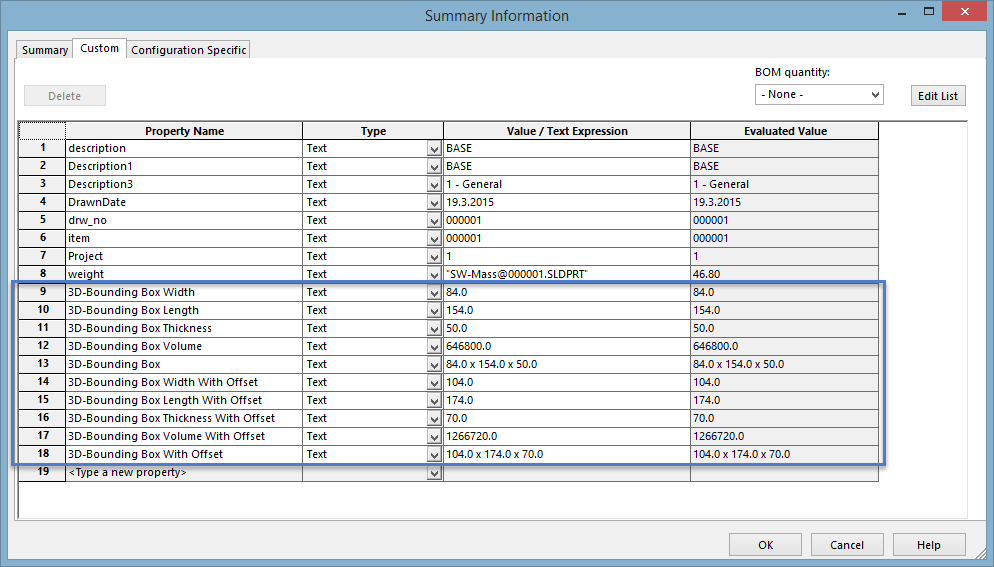
3D Bounding Box properties in SOLIDWORKS document